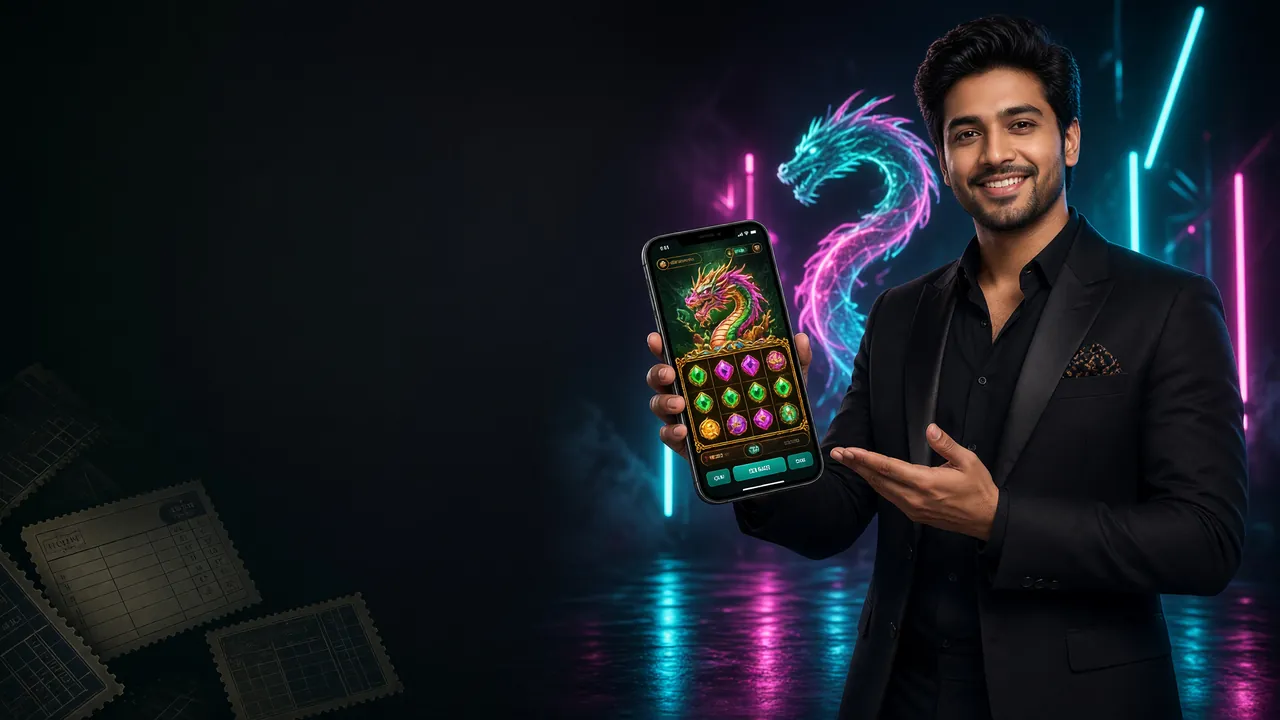
Only download the APK directly from stk111.net. Third-party sources are not verified and may carry altered files.
There is no App Store listing for stk111. iOS users can pin the site to the home screen for a near-app experience:
- 01Open Safari and go to stk111.net. The site works in Chrome on iOS too, but Safari is needed for the "Add to Home Screen" option.
- 02Tap the Share icon at the bottom of the browser (the square with an upward arrow).
- 03Scroll down in the share sheet and tap "Add to Home Screen".
- 04Confirm the name (use stk111) and tap Add. The icon appears on your home screen like any other app.
- 05Tap the icon to launch stk111 in full-screen mode. Log in with your existing account — no extra steps needed.


- 3,200+ Games on Mobile
Slots, fishing, lottery, live casino — all load within the app without redirecting to a browser.
- bKash & Nagad Deposits
Deposit from ৳150. Funds arrive in about 5 minutes. Withdrawals clear in roughly 8 minutes.
- Live Cricket Markets
Bangladesh Premier League, IPL, T20 World Cup, and ODI series — in-play odds update in real time.
Scan to download on your phone
Install the APK on Android in Four Steps
Android 6.0 or higher is required. The whole process takes around two minutes on a standard mobile connection.
-
01
Allow installation from unknown sources
Go to your phone's Settings → Security (or Privacy on newer Android versions). Enable "Install unknown apps" for your browser — Chrome or any file manager. Without this, Android will block the APK. You can turn this permission off again after installation finishes.
-
02
Download the APK file from stk111.net
Tap the Download APK button on this page. The file is named stk111.apk and is 41 MB. Your browser may show a warning that this is an APK — tap Download anyway. The file saves to your Downloads folder.
-
03
Open the file and start installation
Open your Downloads folder (or pull down the notification shade and tap the finished download). Tap stk111.apk. Android will show you the permissions the app needs. Review them, then tap Install. The process usually finishes in under 30 seconds.
-
04
Log in or create a new account
Tap Open when installation finishes. If you already have an account, go to stk111 Login inside the app. New users tap Register — the full sign-up takes about two minutes. After that, deposit via bKash or Nagad to start playing.
Everything in One Place — What the App Does
One-tap Login
Your login stays saved between sessions. Open the app, tap Log In, and you are on the lobby screen in seconds. Face unlock and fingerprint work on supported Android devices.
Deposit & Withdraw on the Go
Send money via bKash, Nagad, Rocket, or Bank Transfer directly from the app. Minimum deposit is ৳150. Withdrawals of ৳1,300 or more process in about 8 minutes.
Live Casino with Real Dealers
Baccarat, Roulette, and Blackjack tables stream in HD. Chat with the dealer, see real cards dealt in real time — same tables as the desktop version, compressed for mobile data.
Cricket & Sports Betting
Bangladesh Premier League, IPL, T20 World Cup, and international ODIs. Odds refresh live. Place pre-match and in-play bets on cricket, football, and more from the same app screen.
Push Notifications
Get notified when a deposit lands, when a withdrawal clears, or when a new promotion goes live. Notifications are opt-in — you can manage them inside the app settings at any time.
24/7 Live Chat Support
The support chat widget is built into the app. No need to visit a separate page. Agents respond around the clock — useful when a deposit or withdrawal query comes up late at night.
Not yet registered? Create your stk111 account before downloading — having your account ready means you can log in the moment installation finishes. Explore the full casino game library once you are inside.
Permissions the App Requests
Android shows you all permissions before you install. Here is what each one is for and whether you can safely decline it after setup.
Fix Common stk111 APK Installation Errors
Most problems come down to one of five causes. Find yours in the table and follow the fix.
| Problem | Likely Cause | Fix |
|---|---|---|
| Installation blocked by Android | "Install unknown apps" is off for your browser or file manager | Settings → Security → Install unknown apps → enable for your browser → retry |
| "Parse error" or "Package error" | Download was interrupted or the file is corrupted | Delete stk111.apk from Downloads, re-download the full 41 MB file from this page |
| Not enough storage space | Device has less than ~80 MB of free internal storage | Free up space by deleting unused apps or moving photos to SD card, then install again |
| App installs but won't open | Android version is below 6.0, which is not supported | Check Settings → About Phone → Android Version. Upgrade your OS or use the mobile browser version at stk111.net |
| Google Play Protect warning | Play Protect flags all APKs not from the Play Store — this is normal | Tap "Install anyway" or "More details → Install anyway". The stk111 APK is clean and from an official source |
Still stuck? Open the in-app live chat or visit the help centre. Support is available 24/7.
APK or Browser — Pick the Right Option for Your Situation
Both options give you full access to stk111. The differences come down to speed, data usage, and how you prefer to work.
Regular players on Android generally find the APK more convenient. If you share a device, use a low-storage phone, or are on iOS, the mobile site at stk111.net works just as well for all games, deposits, and withdrawals.
Questions About the stk111 APK
Is the stk111 APK safe to install?
Yes, as long as you download it directly from stk111.net/stk111-apk/. The file is 41 MB and has not been modified. Android shows a "Play Protect" warning for all APKs not from the Play Store — that warning is about the source (not the Play Store), not about the file being harmful. Tap "Install anyway" to proceed. Avoid any APK shared through Telegram, WhatsApp groups, or unofficial download sites — those files cannot be verified.
What Android version do I need to run the stk111 app?
Your phone must be running Android 6.0 or above. To check: go to Settings → About Phone → Android Version. Most phones sold in Bangladesh since 2017 meet this requirement. If your phone is on an older version, the browser version of stk111 at stk111.net is fully functional and does not require any installation.
How do I update the stk111 APK to a newer version?
The app will notify you inside the app when a newer version is available. Tap the notification, which takes you to the download page, then download and install the new APK over the existing one. Your account, balance, and settings are stored server-side — nothing is lost during the update. Alternatively, check this page periodically: the version number listed in the download table is always the latest release.
What happens if the installation fails partway through?
The most common causes are a corrupted download or insufficient storage. Delete the stk111.apk file from your Downloads folder and start the download again. Make sure you have at least 80 MB of free internal storage before you begin. If the same error appears twice, try a different browser for the download (use Chrome or the Samsung Internet browser). Still not working — contact 24/7 live chat for direct help.
Can I use the same account on both the app and the browser?
Yes. Your stk111 account is not tied to a device or platform. Log in with the same username and password on the app, the mobile browser, or a desktop computer. Your balance, bonuses, transaction history, and VIP tier all stay in sync. You can start a game session on the app and check your balance later on the website — everything is the same account.
Does the stk111 app work on a tablet?
Yes. Any Android tablet running Android 6.0 or above can install and run the stk111 APK. The layout scales to larger screens — game thumbnails, betting tables, and the deposit interface all display well on tablet-sized displays. The file size stays the same at 41 MB. iOS tablet users (iPad) should use the Safari browser shortcut method described in the iOS section above, as there is no dedicated iPad app.
Ready to get started?
Download the stk111 APK now and register your account in two minutes. Deposit from ৳150 via bKash and start playing 3,200+ games today. 18+ only.
- SSL Encrypted
- 18+ Only
- 24/7 Support
- bKash Accepted
- Nagad Accepted
- Secure APK